
Seedream 5.0 Flash
Fast, cost-efficient ByteDance Seedream 5.0 tier: image generation and editing at 1K/2K with up to 10 reference images
What it's the best tool for
- Fast, cost-efficient tier of Seedream 5.0 for high-volume work
- Fits interactive use where the result is needed without a long wait
- Image generation and editing in one model
- 1K and 2K resolutions for social posts, thumbnails and working layouts
- Up to 10 reference images for a character, product or style
When to reach for something else
- Top resolution is 2K: larger images require another model
- At most 10 reference images per request
- Still images only, with no video or audio
- This is the speed-oriented tier: where top quality decides, compare the result with other catalog models
How Seedream 5.0 Flash responds
Seedream 5.0 Flash
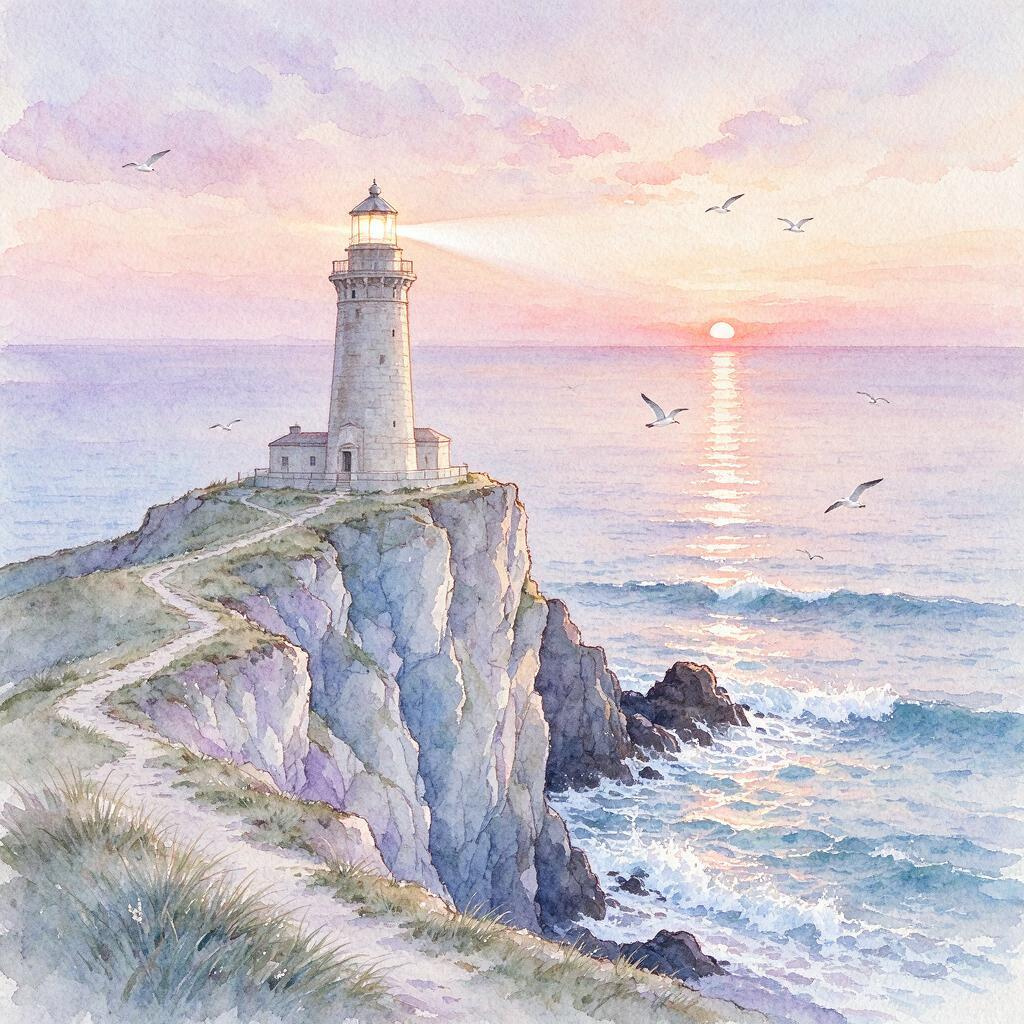
Four scenarios where it pays for itself
More about Seedream 5.0 Flash
Seedream 5.0 Flash: Fast Image Generation and Editing
Seedream 5.0 Flash is the fast, cost-efficient tier of ByteDance's Seedream 5.0. It is built for high-volume production and interactive use: when you need dozens of variations in a short time rather than one perfect image. Run it in your browser on NetRoom.
What Seedream 5.0 Flash can do
Text to image. Describe a scene in words and get an image at 1K or 2K. That is enough for social posts, thumbnails, cards and most working layouts.
Editing. The model does not only draw from scratch, it also edits existing images from a text instruction: changing a background, details, color and style.
Up to 10 references. You can add up to 10 reference images to set a character, a product, a palette or a composition.
When to pick Flash
Flash is made for speed and serial work. It is good for exploring ideas, preparing images in batches and interactive flows where the result is needed without a long wait. If a task calls for more than 2K, pick another model from the catalog, for example Seedream 4.5.
How to fit it into a workflow
Seedream 5.0 Flash works well at the start of a pipeline: quickly generate a set of variations at 1K, pick the best, then refine them with text edits or regenerate at 2K. References help keep a series consistent: upload up to 10 pictures with the character, product or color palette you need, and new images will lean on them.
How to write the prompt
Name the subject, the style and the palette, then the material or texture: watercolor, paper, film, gloss. For edits, upload a picture and describe the change briefly. Start at 1K to sweep through variations quickly, then repeat the good result at 2K.
Where it fits
Illustrations for blogs and social media, ad creative, product cards, concept art, quick photo edits and image series in a consistent style. Try Seedream 5.0 Flash on NetRoom.



Use Seedream 5.0 Flash via the API
The same engine, straight from your code: one key and one balance for text, images, video and sound. Pay only for the requests you make.
curl https://netroom.ai/api/v1/generations \
  -H "Authorization: Bearer YOUR_API_KEY" \
  -H "Content-Type: application/json" \
  -d '{"model": "bytedance/seedream-50-flash", "input": {"prompt": "A cinematic mountain sunrise"}}'
The model id is already in the example. The full parameter reference and prices live in GET /api/v1/models and in the docs.
Try Seedream 5.0 Flash
right now
Free access to basic models. No card, no obligations.