3D Model Generator
Generate production-ready 3D models from a text prompt or an image. GLB output with PBR materials and textures.
What it's the best tool for
- 3D model from a text prompt or a photo
- Ready GLB mesh with PBR materials
- Textures included
- Opens in popular 3D editors and game engines
- Pay per generation, no subscription
When to reach for something else
- Complex mechanisms and fine details may need manual cleanup
- One generation produces one object, not a full scene
- Production use may require mesh retopology
How 3D Model Generator responds
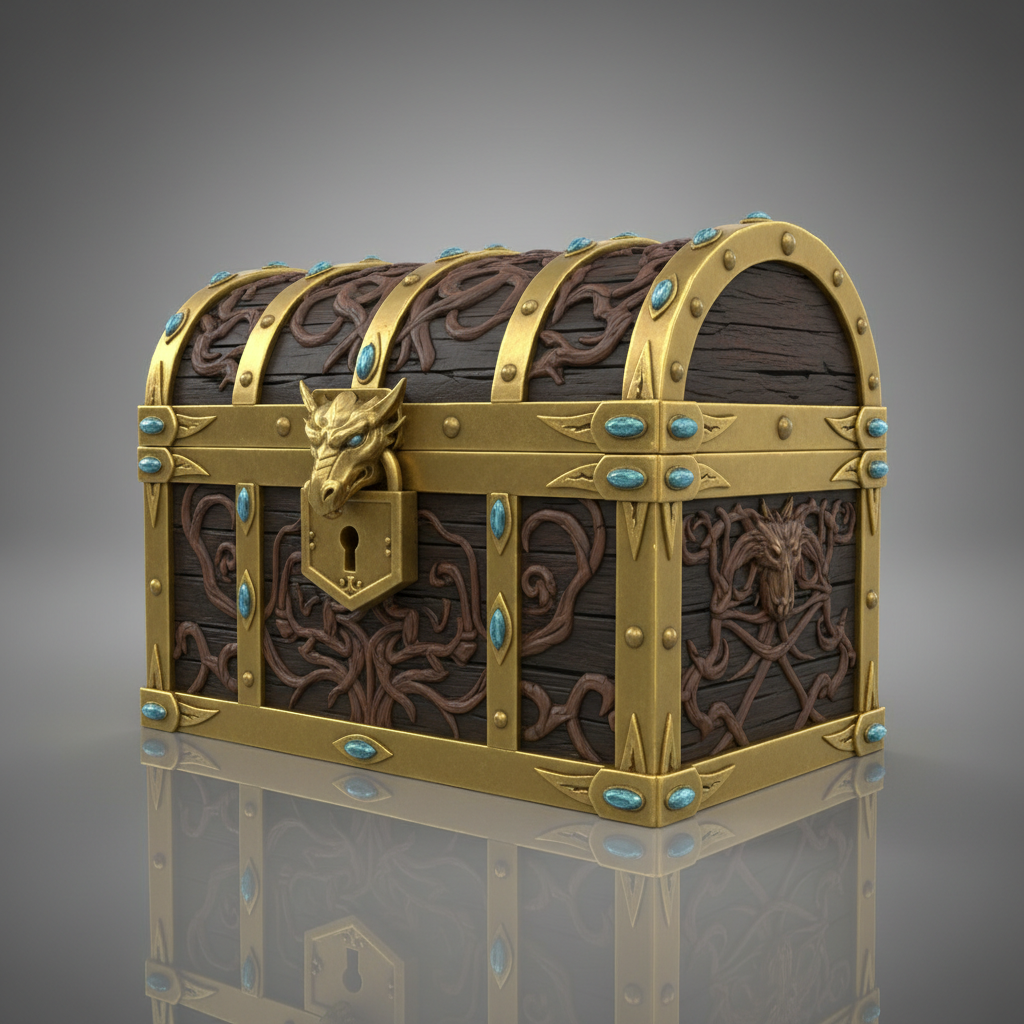
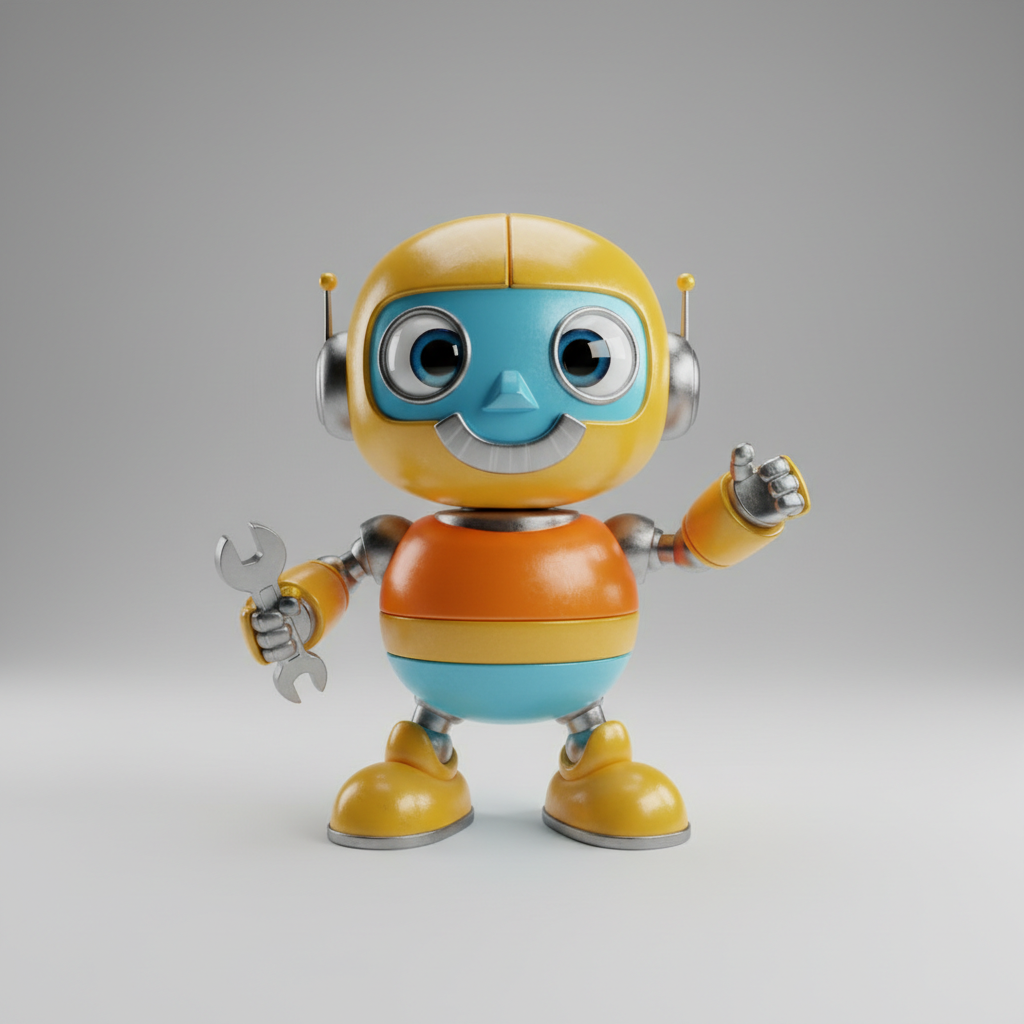
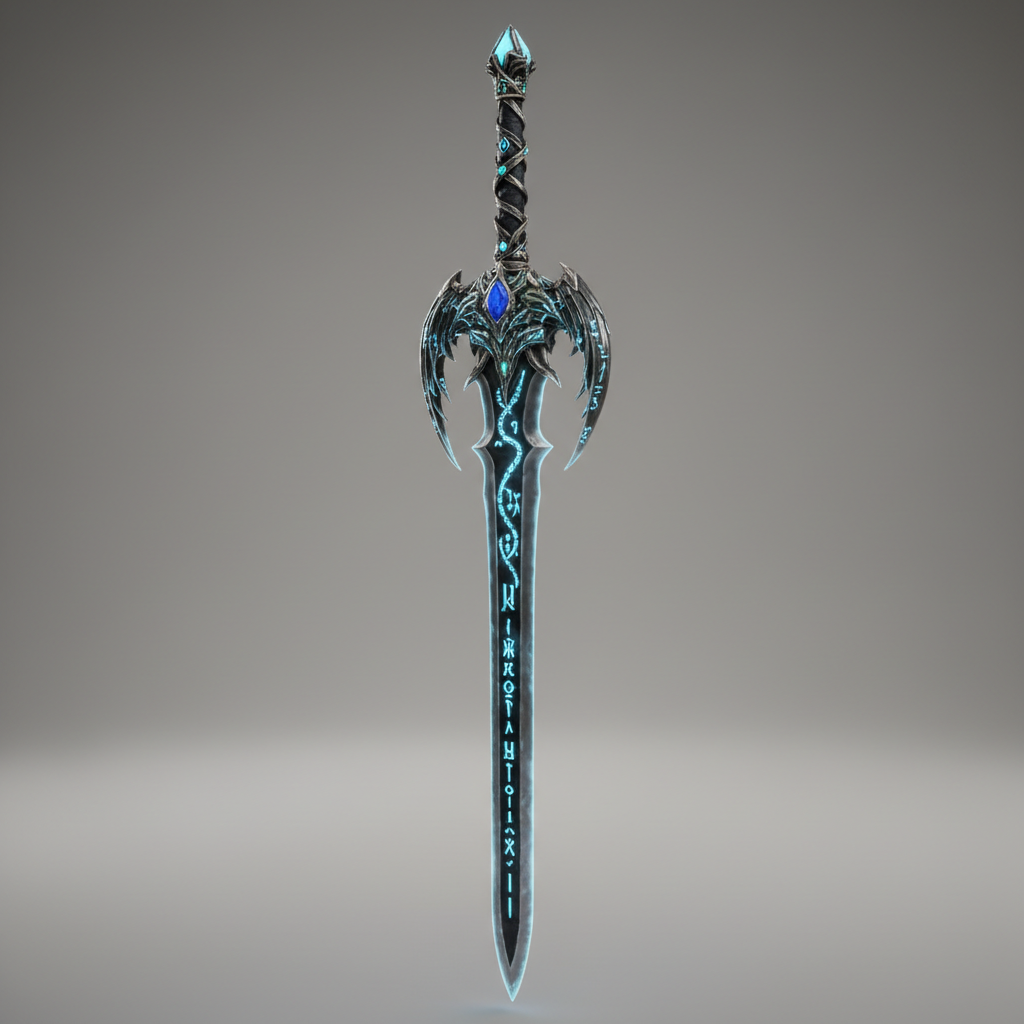
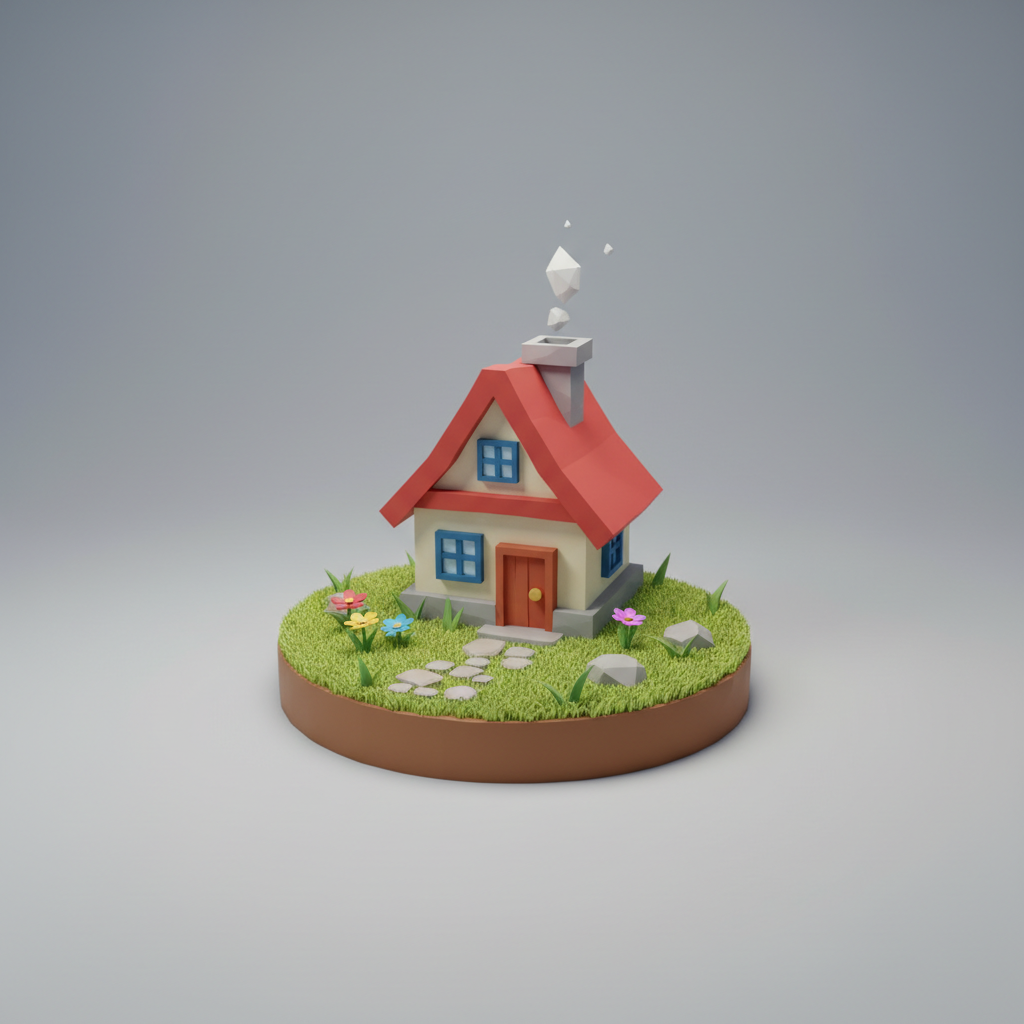
Four scenarios where it pays for itself
More about 3D Model Generator
AI 3D Model Generator — from Text or Photo to GLB
The 3D Model Generator on NetRoom turns a text description or a photo into a ready-to-use 3D model: a GLB mesh with PBR materials and textures. Everything runs in the browser — no complex software.
Two modes: text and image
Describe an object in words to get a model from scratch, or upload a photo and the model reconstructs its shape and textures in 3D. Both modes output a single GLB file that opens in popular 3D editors and game engines.
Who it is for
Game developers create props and draft assets in minutes instead of hours of modeling. AR/VR teams get quick objects for scenes. Makers prepare printable drafts from photos. E-commerce teams build 3D product views for interactive storefronts.
How to generate a model
1. Sign up on NetRoom and top up your balance. 2. Pick the 3D Model Generator in the catalog. 3. Write a description or upload a photo. 4. Download the GLB file with materials and textures.
Pricing
Pay per generation — no subscription. The current price is on this page; estimate your project in the price calculator.
Need reference images first? The catalog also has image and video generators — all on one balance.
Create your first 3D model — start on NetRoom.



Try 3D Model Generator
right now
Free access to basic models. No card, no obligations.