
Grok Imagine Image 2.0
Next-generation Grok image model for text-to-image and prompt-guided editing at 1K and 2K
What it's the best tool for
- Text-to-image and prompt-based editing of an existing picture in one model
- Two output resolutions, 1K and 2K, with 13 aspect ratios in each
- Vertical, square and wide framing up to 20:9, 1:2 and 9:19.5
- Dedicated output quality parameter, JPG, PNG and WEBP formats
- Up to 20 images per request for fast batch exploration
- Runs online in the browser with no installation required
When to reach for something else
- Only one reference image per request, multi-reference input is not supported
- Negative prompts are not supported, unwanted details have to be handled in the main prompt
- A single output quality mode is available for now
- Preview status: parameters and model behaviour may still change
How Grok Imagine Image 2.0 responds
Grok Imagine Image 2.0
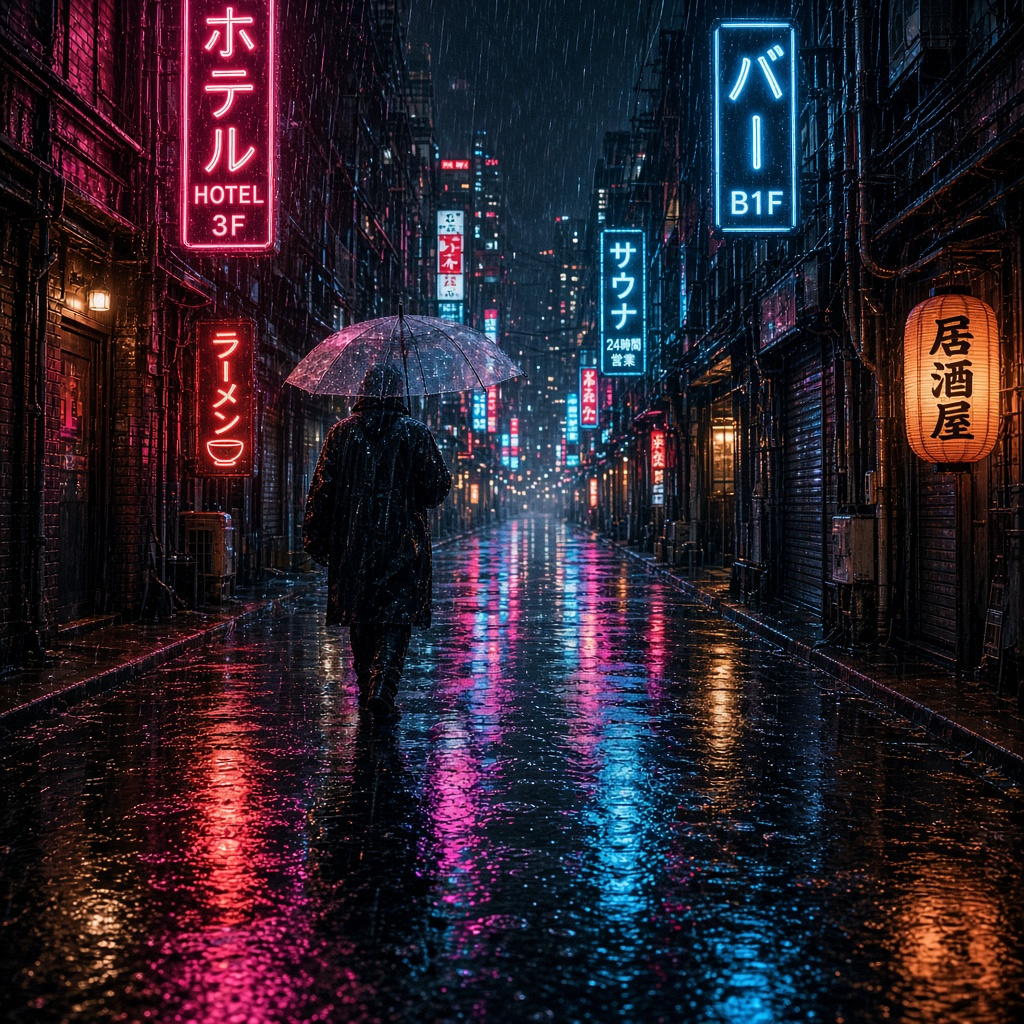
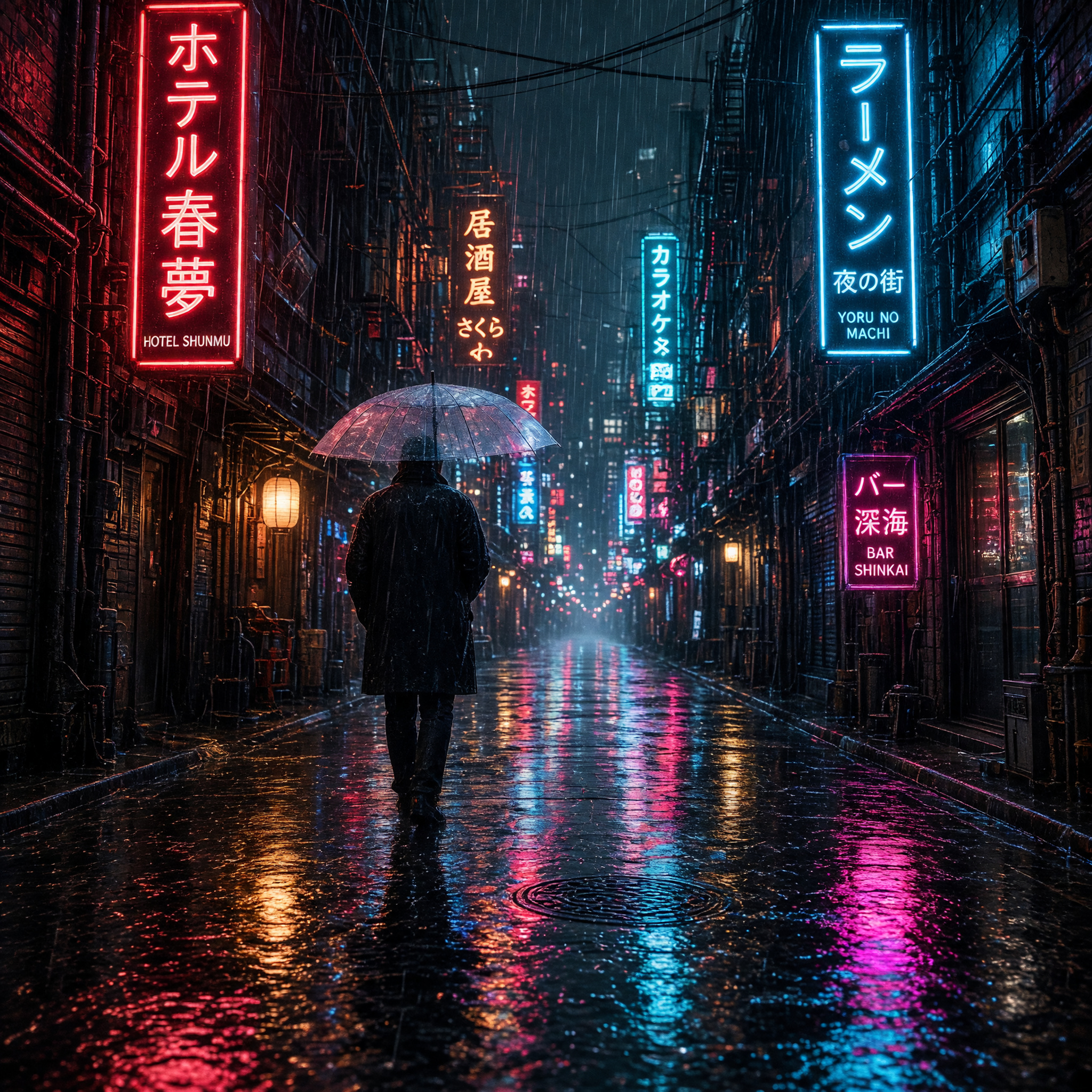
Four scenarios where it pays for itself
More about Grok Imagine Image 2.0
Grok Imagine Image 2.0: AI Image Generator Online
Grok Imagine Image 2.0 is the new generation image model from xAI, released on 10 August 2026. It handles two jobs inside a single model: building a picture from a text description and editing an existing image through a prompt. The first concept and the follow-up fix happen in the same place, so nothing has to travel between separate services.
Resolutions and framing
Two output resolutions are available, 1K and 2K, each with thirteen aspect ratios — from the familiar 1:1 and 16:9 to elongated 20:9, 1:2 and 9:19.5. That range covers practically every placement: a square for a feed, a wide frame for a website hero, a tall crop for stories and mobile banners. Output quality is controlled by a dedicated parameter, and the file comes back as JPG, PNG or WEBP, ready to drop straight into a layout. A single request returns up to twenty images, so exploration happens in batches instead of one attempt at a time.
Editing by prompt
The image-to-image mode takes a source picture plus a written instruction. That is how you change a background, relight a scene, swap clothing or add and remove objects without opening an editor and masking by hand. One reference image goes in per request, which makes the mode a precise tool for refining a specific frame rather than blending many sources at once.
Getting started
Grok Imagine Image 2.0 runs on NetRoom straight in the browser, with no installation and no keys to manage. Write the prompt in plain language: the model reads scene description, style, lighting and composition. The per-image rate is shown in a separate block on this page.
Who it fits
Designers and social media teams get fast visuals for posts and banners. Marketers get creatives in several aspect ratios at once for testing. Product teams get concepts and mockups before anything reaches production design. The model carries Preview status, so its parameters and behaviour may still change as xAI keeps refining it.
What changed Grok Imagine Image 2.0
- + Added the Grok Imagine Image 2.0 (xAI) image model to the generation catalog.


Use Grok Imagine Image 2.0 via the API
The same engine, straight from your code: one key and one balance for text, images, video and sound. Pay only for the requests you make.
curl https://netroom.ai/api/v1/generations \
  -H "Authorization: Bearer YOUR_API_KEY" \
  -H "Content-Type: application/json" \
  -d '{"model": "x-ai/grok-imagine-20", "input": {"prompt": "A cinematic mountain sunrise"}}'
The model id is already in the example. The full parameter reference and prices live in GET /api/v1/models and in the docs.
Try Grok Imagine Image 2.0
right now
Free access to basic models. No card, no obligations.